

From Upload to Listing, in Six Stages
No studio booking, no equipment, no editing skills. All it takes is one photo of the product in your hand.
The stages
Upload the product
One photo taken on a phone is enough; no professional kit required. You can add a short brief describing the product, and the model uses it while building the scene.
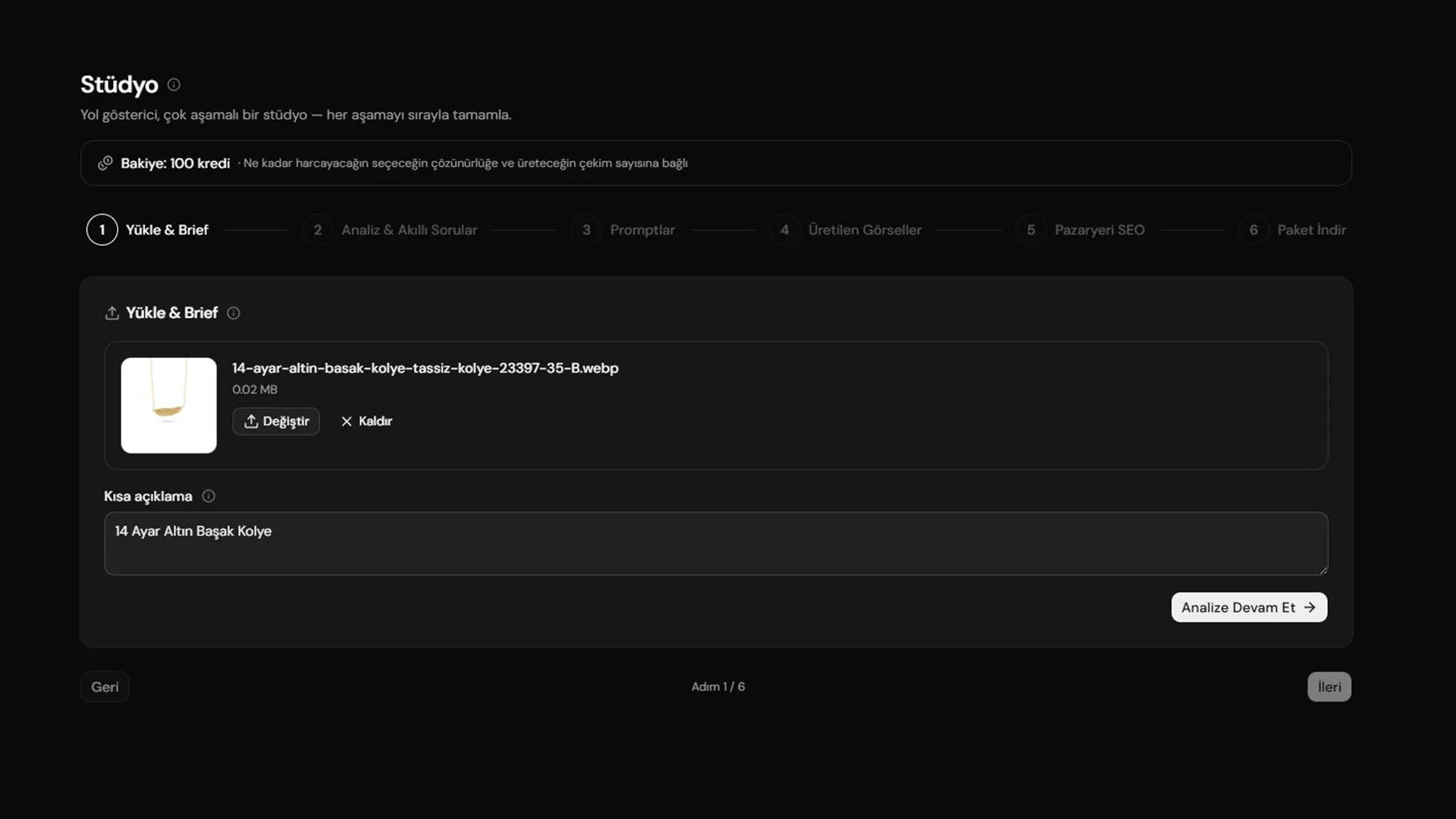
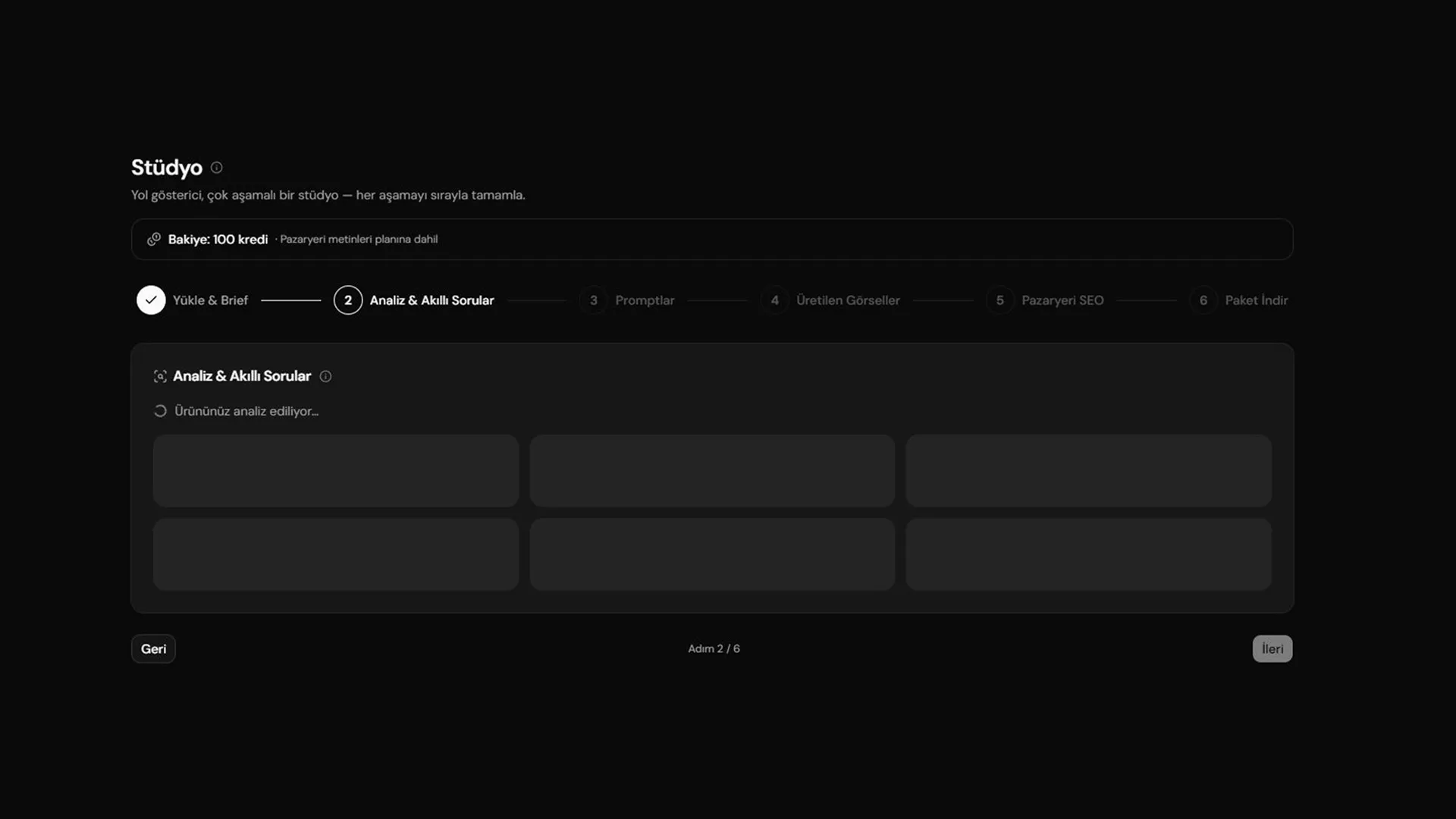
Analysis
The AI reads the product across ten axes: material, colour, form, any lettering or logo, scale cues and how it is used. Every later stage rests on this reading — the more accurate it is, the more faithful the output.
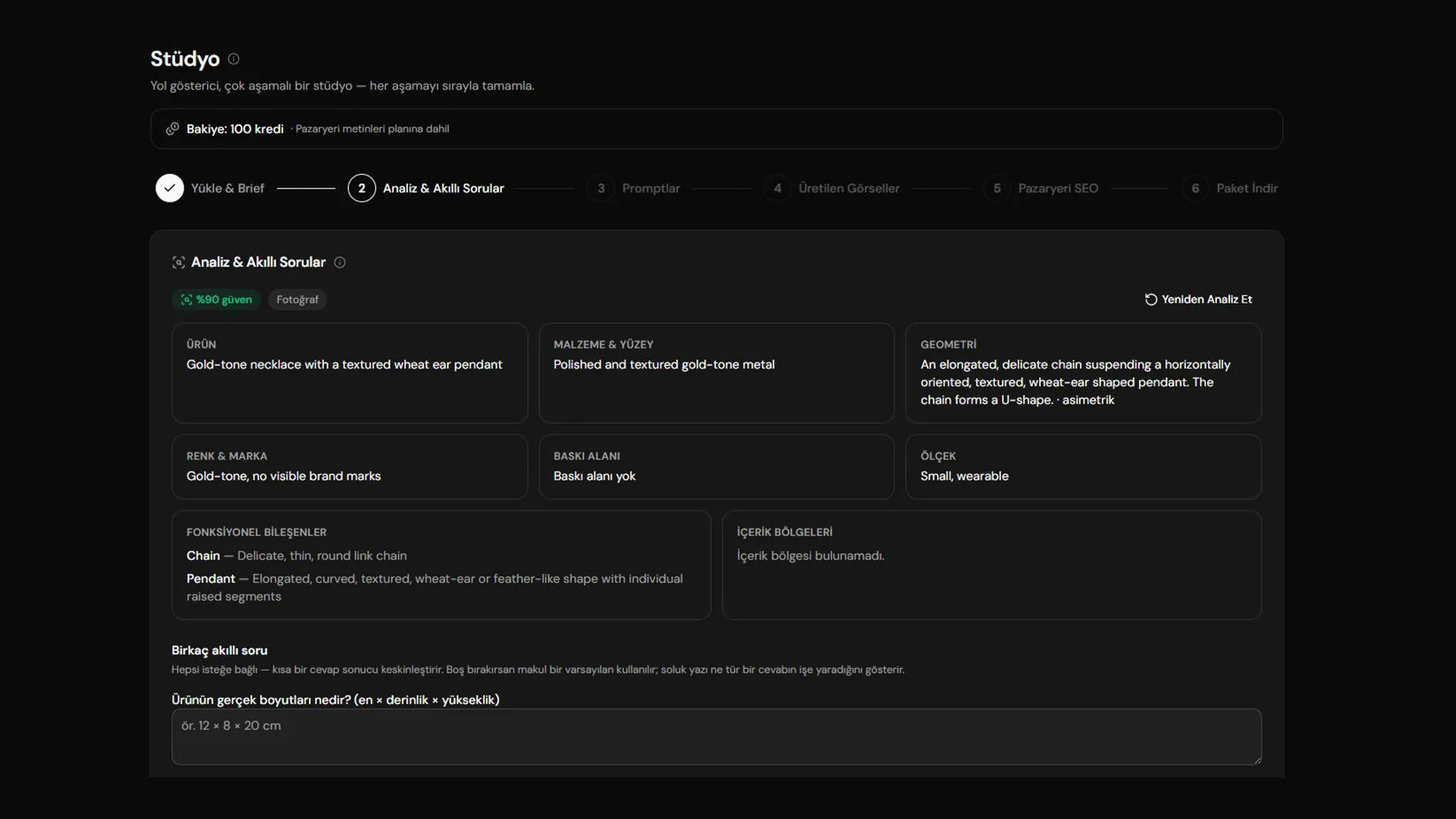
Smart questions
The model writes the questions itself, in your language and for your product: what goes inside something with volume, where and beside what something without it sits. Each one is optional, but every answer makes the scene look more like yours.
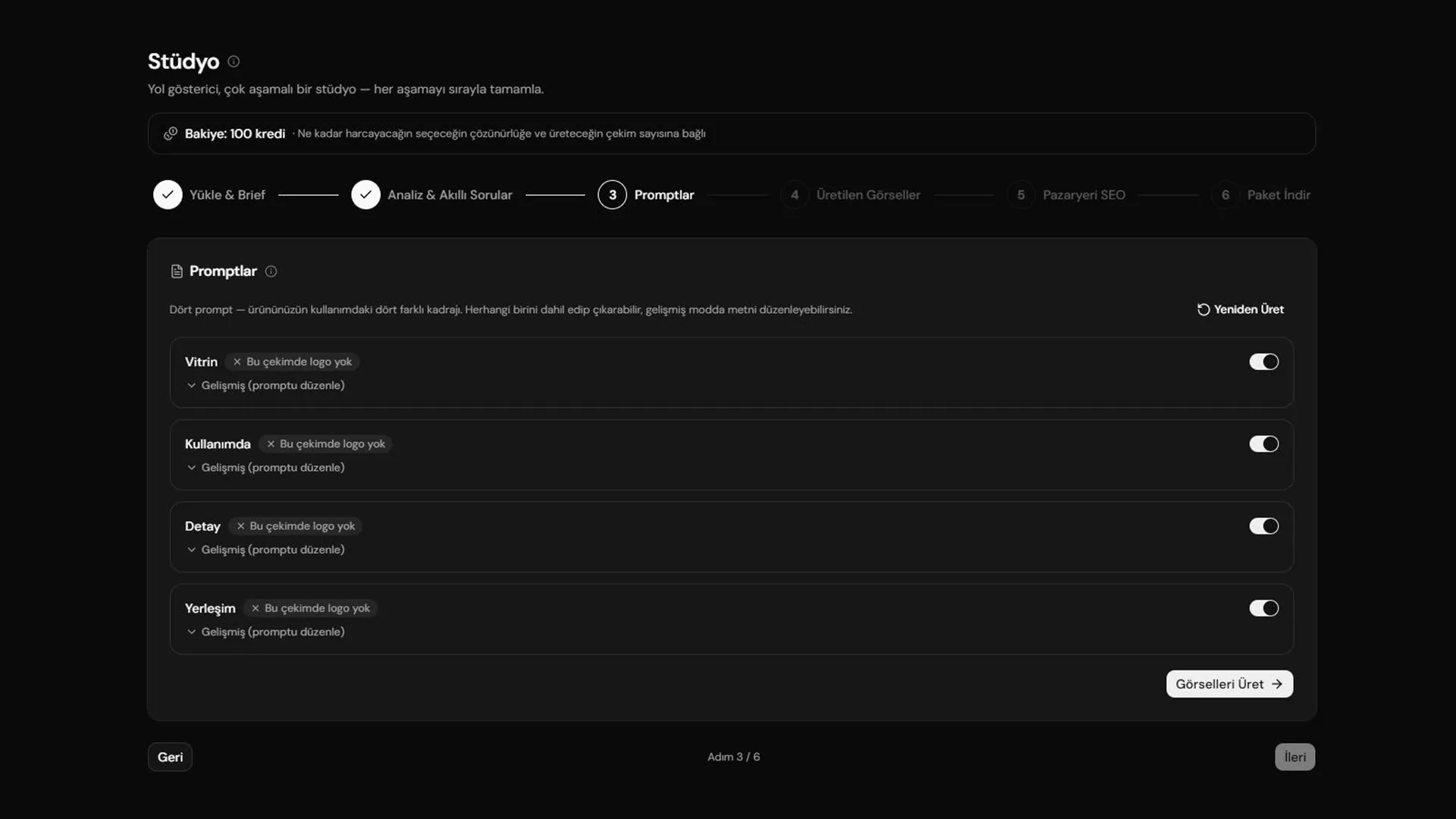
Prompts
A prompt is prepared per shot and you can see all of them. Edit the text, or drop a shot you do not want — a shot you never generate costs no credits either.
Generation
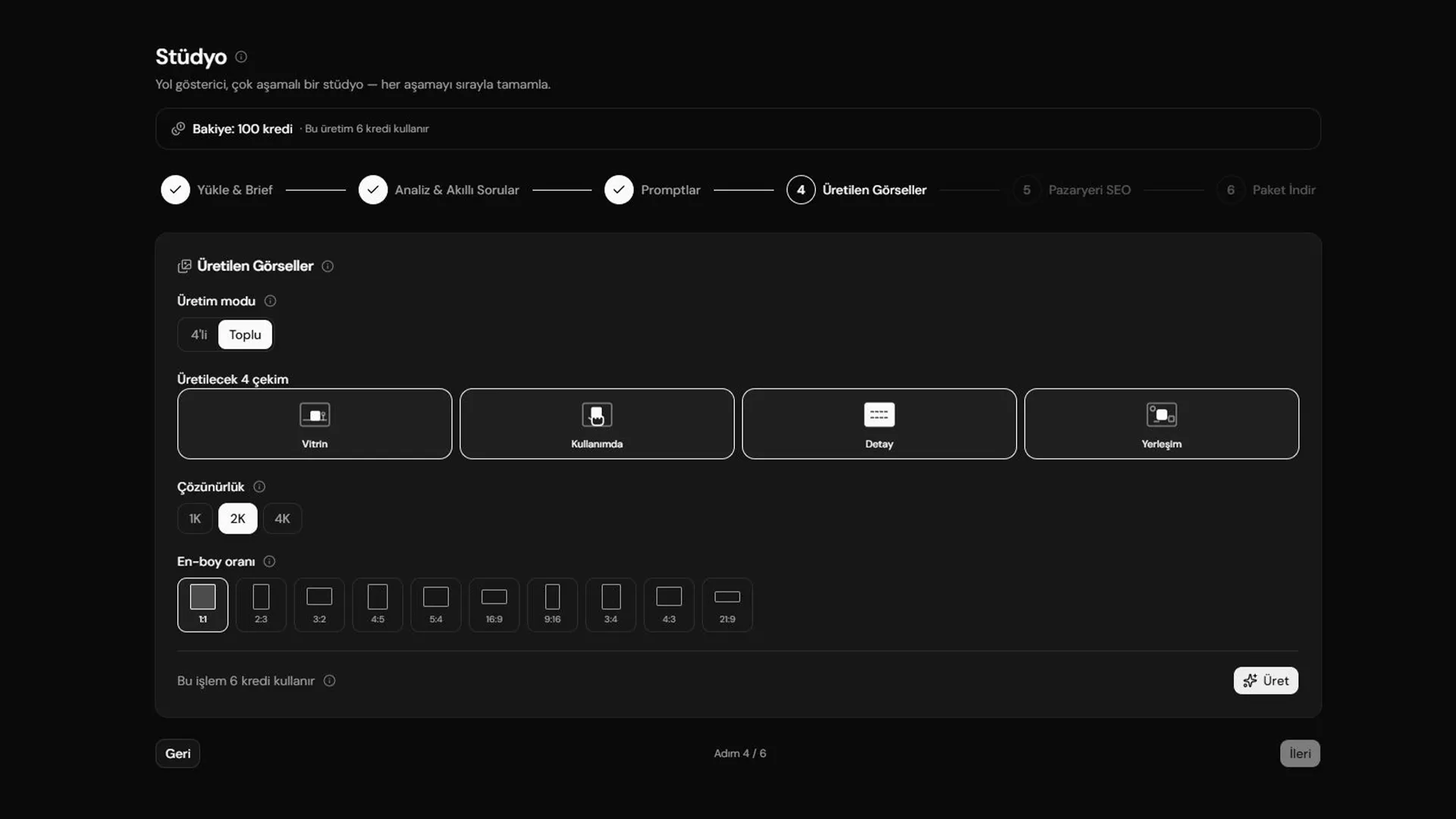
Four usage shots at different framings: hero, in use, detail and arrangement. You choose the resolution and aspect ratio, and the credit cost updates on screen as you choose.
Marketplace copy
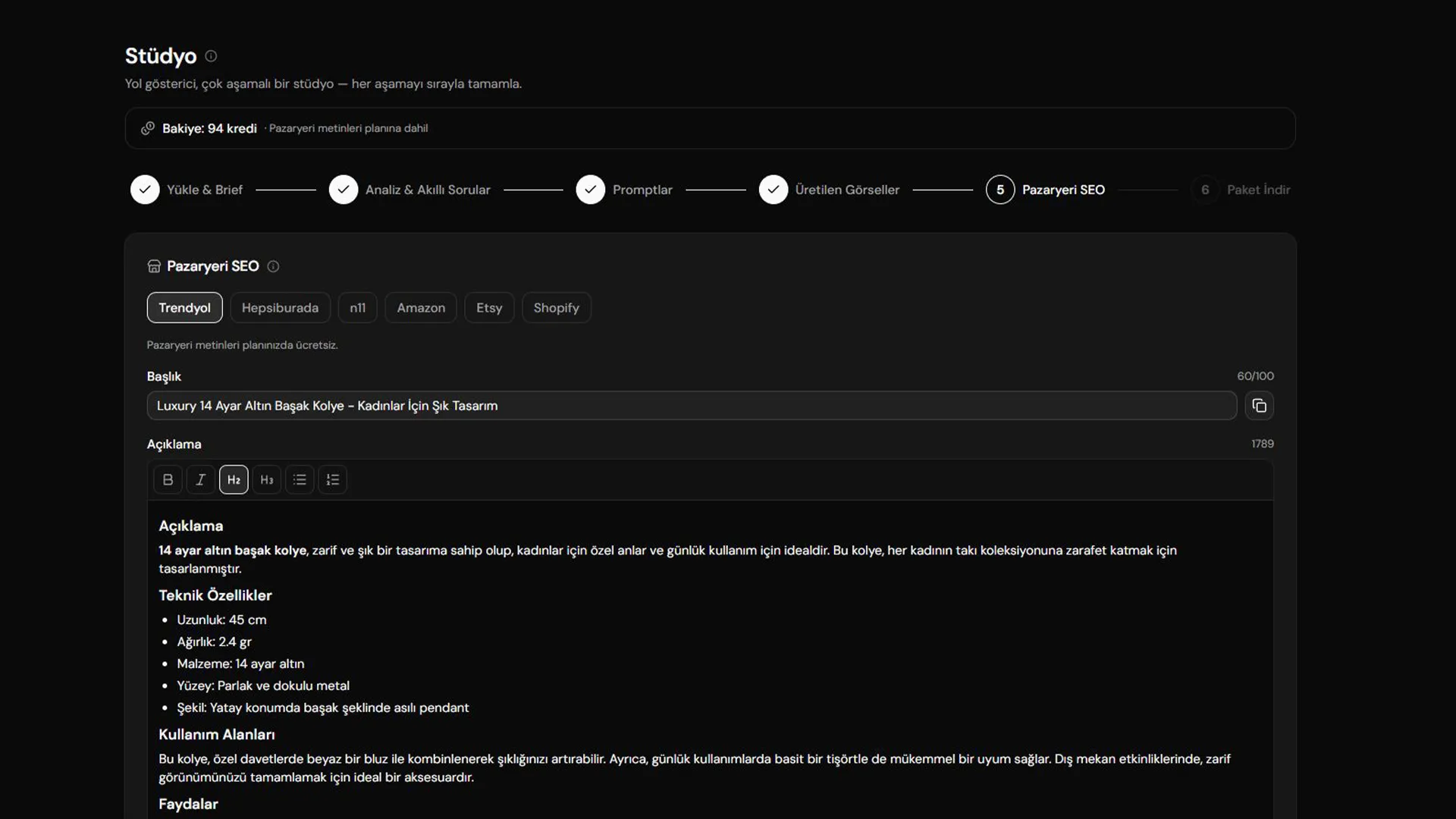
Title, description and tags are written for six marketplaces, each within that platform's character limits and tag rules. Everything is editable and every field copies in one click.
What Can I Upload?
The clearer the source photo, the more faithful the output.
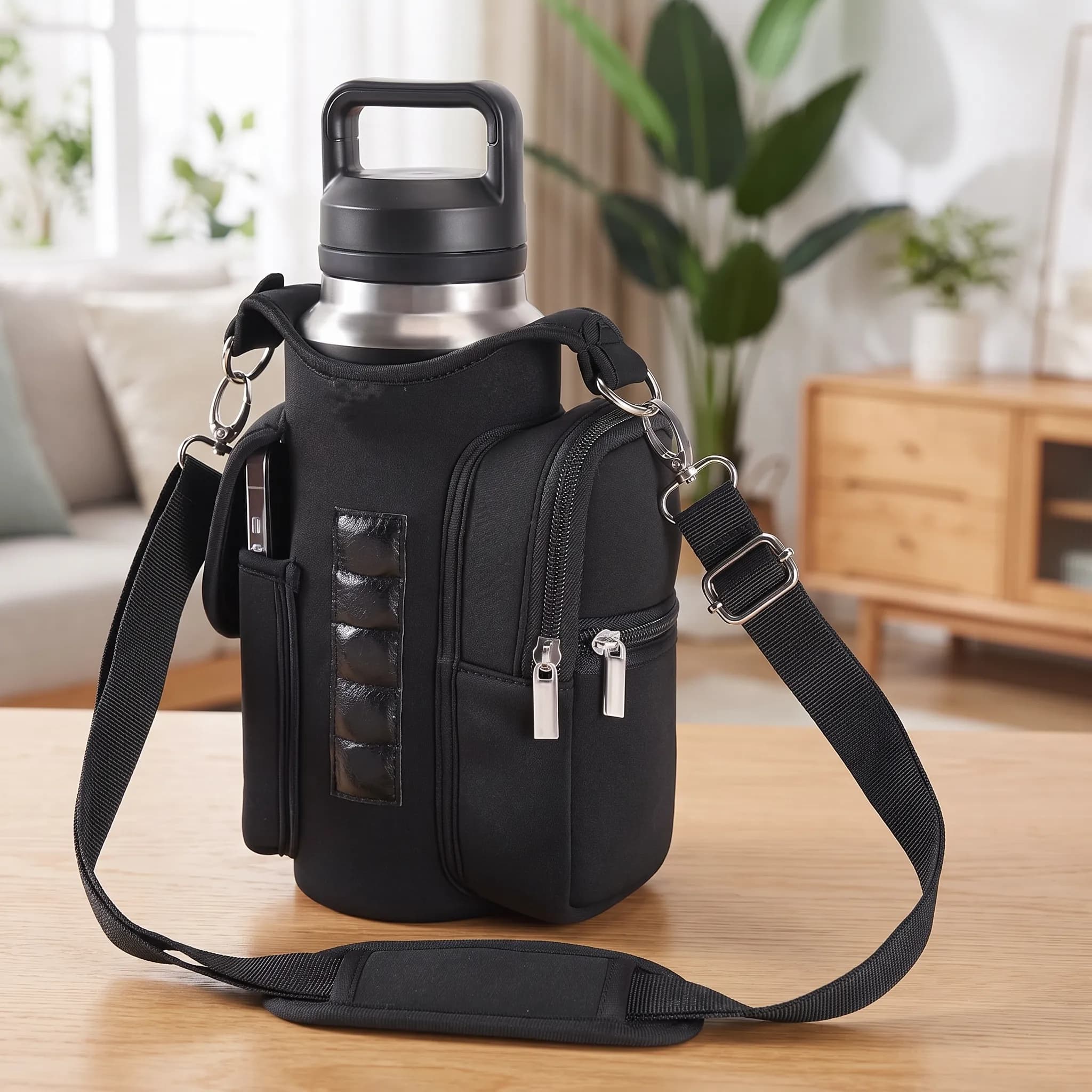
A Good Source Photo
- Sharp and in focus
- The whole product in frame
- A plain, uncluttered background
- Daylight or even lighting
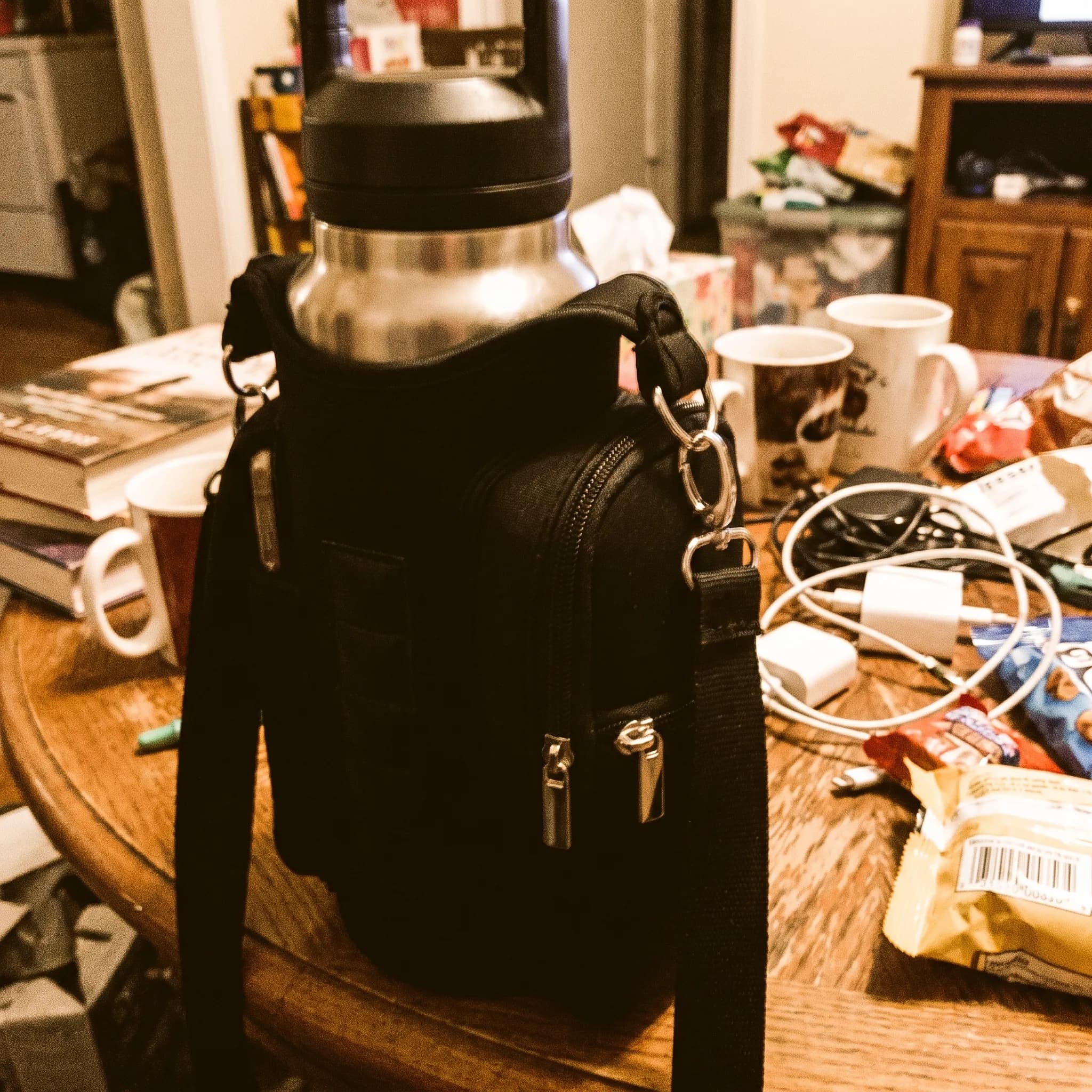
What It Struggles With
- Blurry or shaky
- Part of the product cut off
- A busy background with other products
- Heavy filters or strong colour grading
What Comes Out of a Set?
The four are told apart by framing, not camera angle — four sides of one object read as repetition to a browsing buyer.
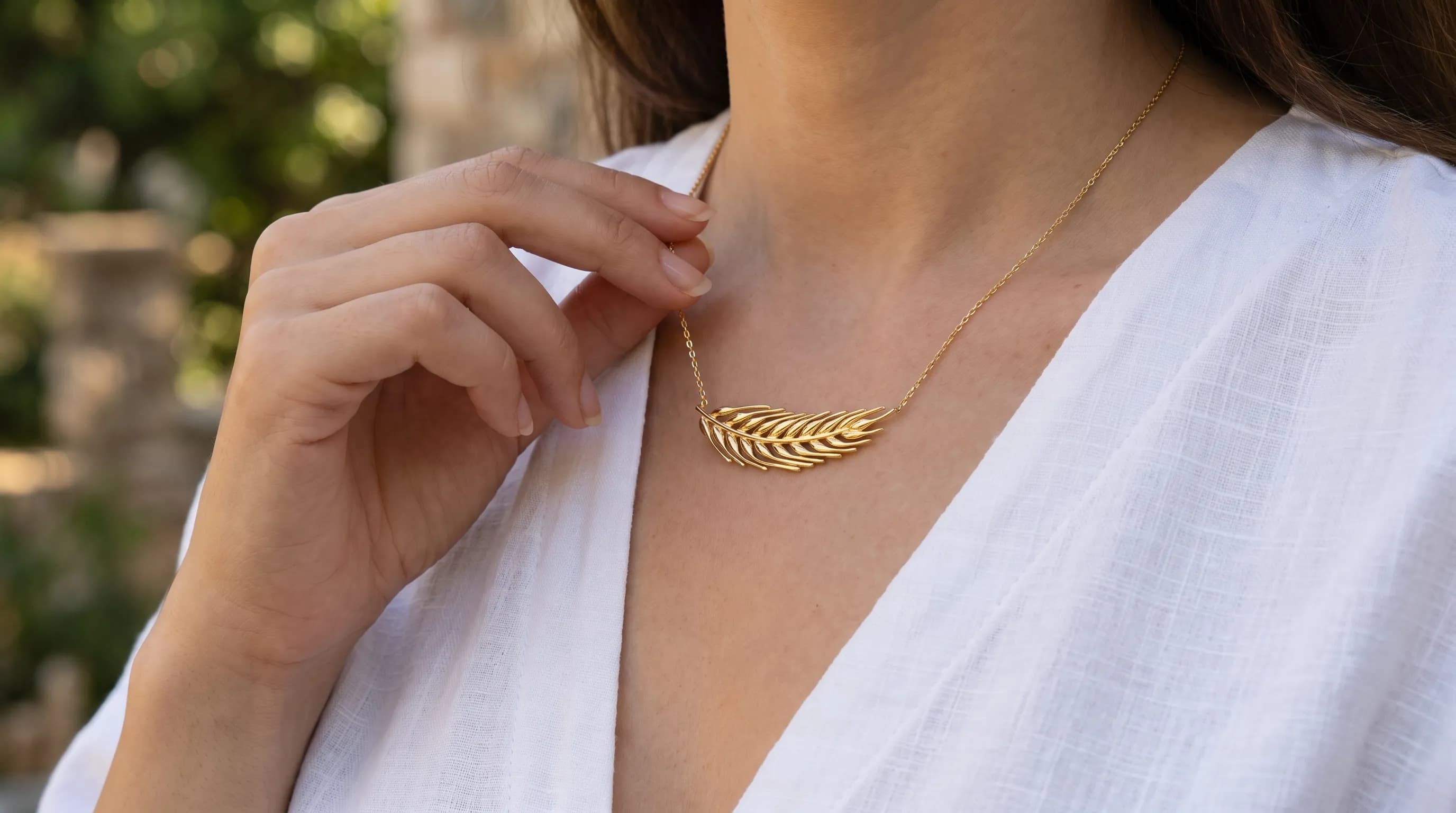
Hero
The product in its usage environment, medium-wide — the listing's first image.
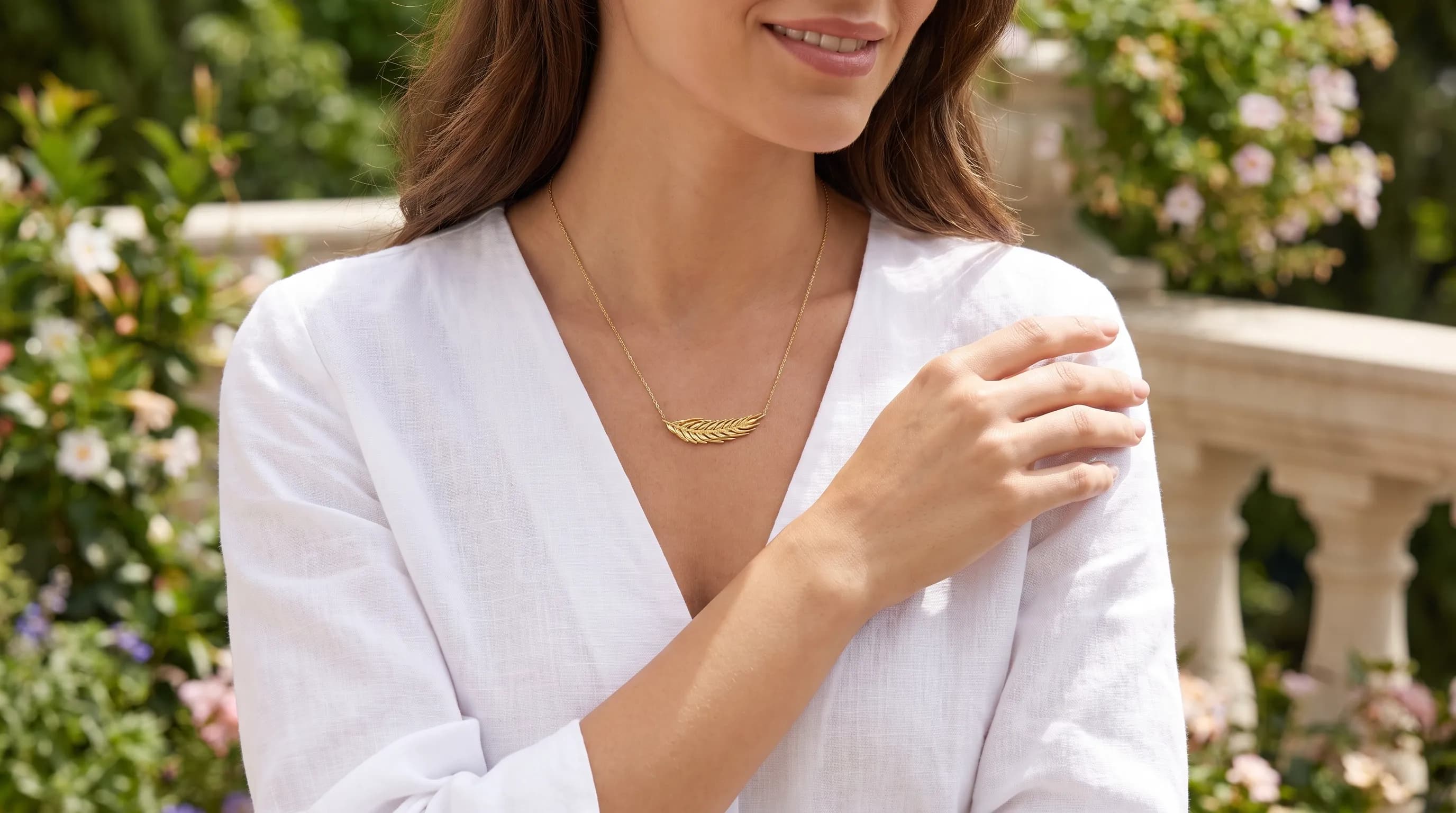
In use
Held or used by a hand, so the buyer can tell how big it really is.

Detail
Material, texture, stitching and workmanship up close — where quality shows.
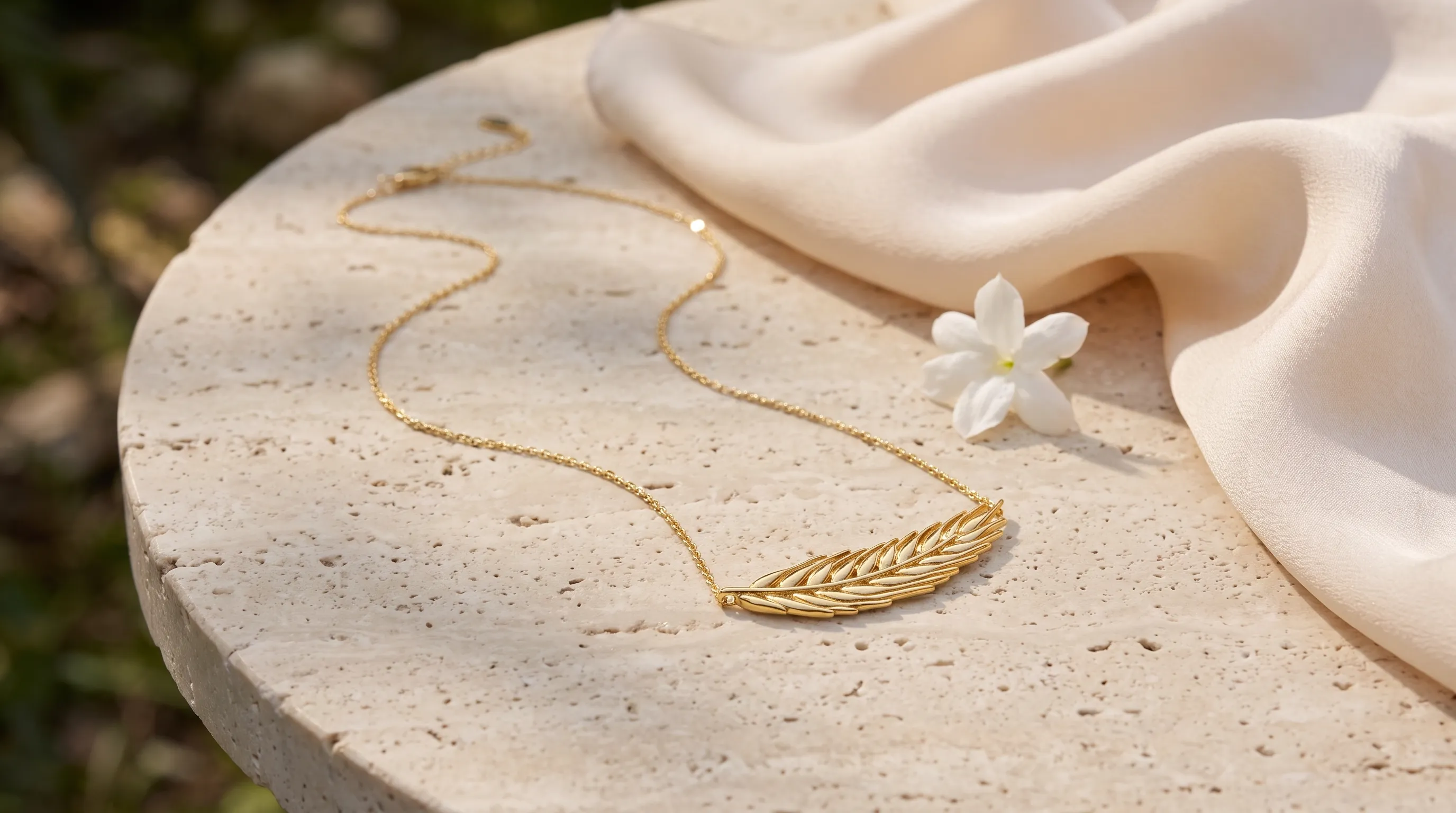
Arrangement
Laid out ready to use, from above or at a slight angle.
Limits
We say these up front, because finding them out later is a disappointment:
- Lettering and logos are preserved from your reference as far as possible, but no prompt guarantees this completely.
- At extreme angles the product's form can drift.
- Colour comes out very close, though screen calibration can shift it slightly.
- This is not a full substitute for real photography: every generation starts from your source image.